Press & Media Kit
Everything you need to write about Erase Background Pro — boilerplate, logos, sample images and quick facts.
One-liner
Use this as-is or adapt it. Copy-paste ready:
Short description
Fact sheet
Product
Free AI background remover
Website
Pricing
Free tier — no sign-up for first images; Pro for credits & unlimited plans
Key features
Instant processing, clean hair/fur edges, HD & 4K export, batch upload, transparent PNG download, REST API
Formats
JPG, PNG, WEBP input → transparent PNG output
Platform
Browser-based, works on desktop & mobile
Privacy
Images are deleted after processing; free browser tools never upload your file
Use cases
E-commerce listings, marketplace photos, portraits, real estate, food menus, social media, logos
Logos & brand assets
SVG files, transparent background. Right-click and save, or download:



Sample images & screenshots
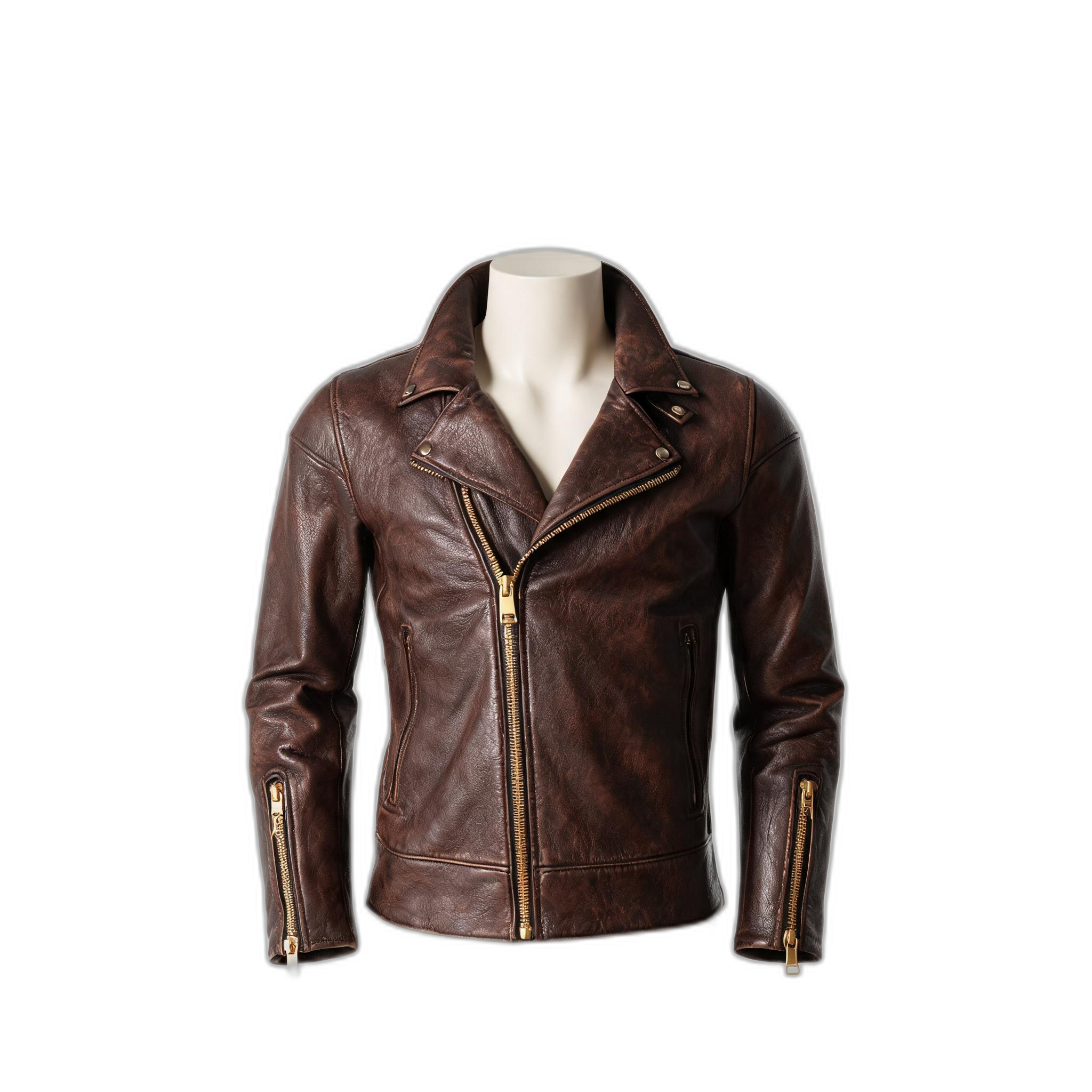
Real before/after pairs you may use with attribution. All show AI background removal results:


Republishing & linking
You are welcome to reference Erase Background Pro in articles, roundups, tutorials and tool lists. A simple text link to the relevant page is all we ask:
- Home / general: https://erasebgpro.com
- Free tool: https://erasebgpro.com/free-background-removal
- Developers / API: https://erasebgpro.com/api-documentation
Want a demo image, a code snippet, or a comparison made on your own sample set? Request one via the contact link in the footer of our help center and we will prepare it for your story.